1
Install HAPP
Choose the version for your operating system.
If the App Store or Google Play is unavailable on your network, download the installer before travelling or contact support for an alternative setup option.
Install the app, add the personal key from your email or account, and turn on your protected connection.
Choose the version for your operating system.
Your personal key arrives by email and is also available in your AlfaVPN account. Copy the entire link.
Launch HAPP after installation.
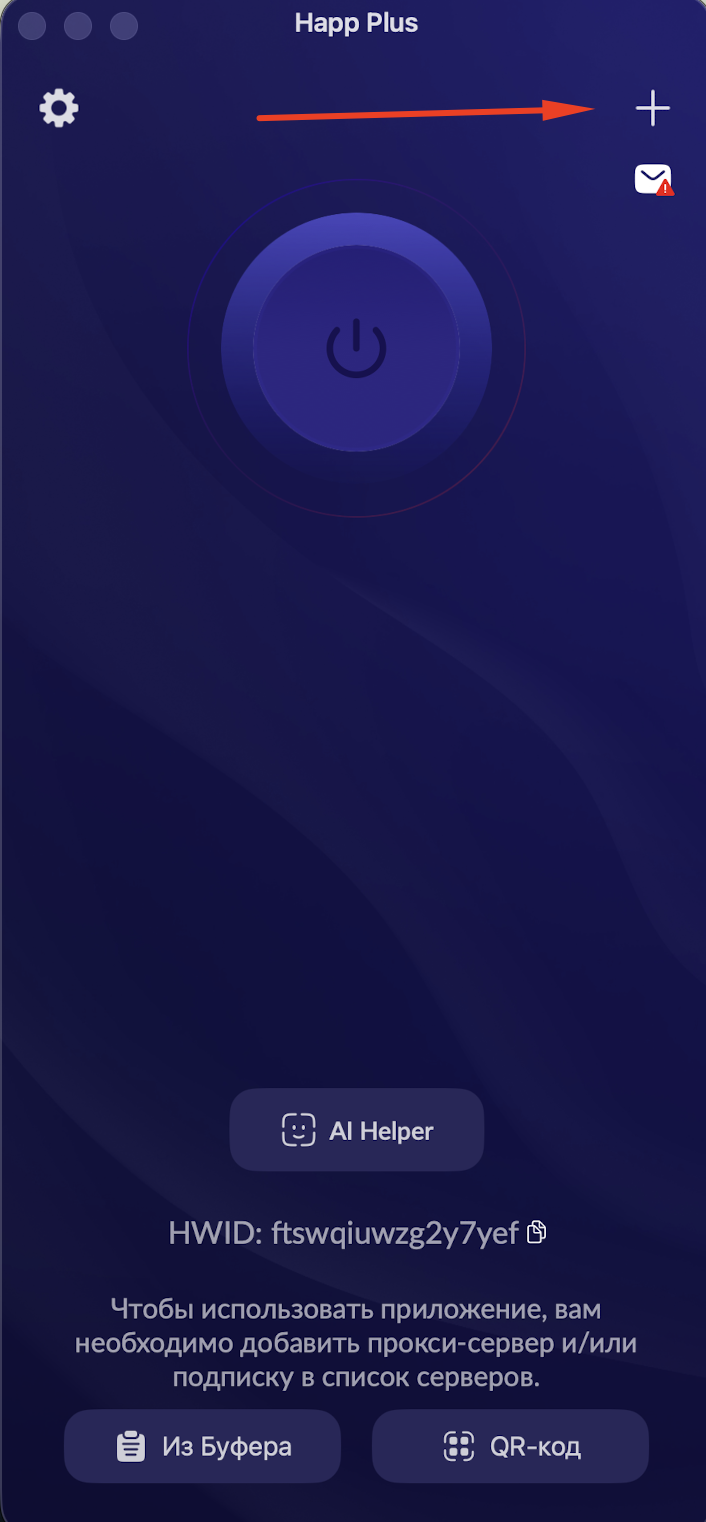
Tap the “+” button in the top-right corner and paste the key you copied.
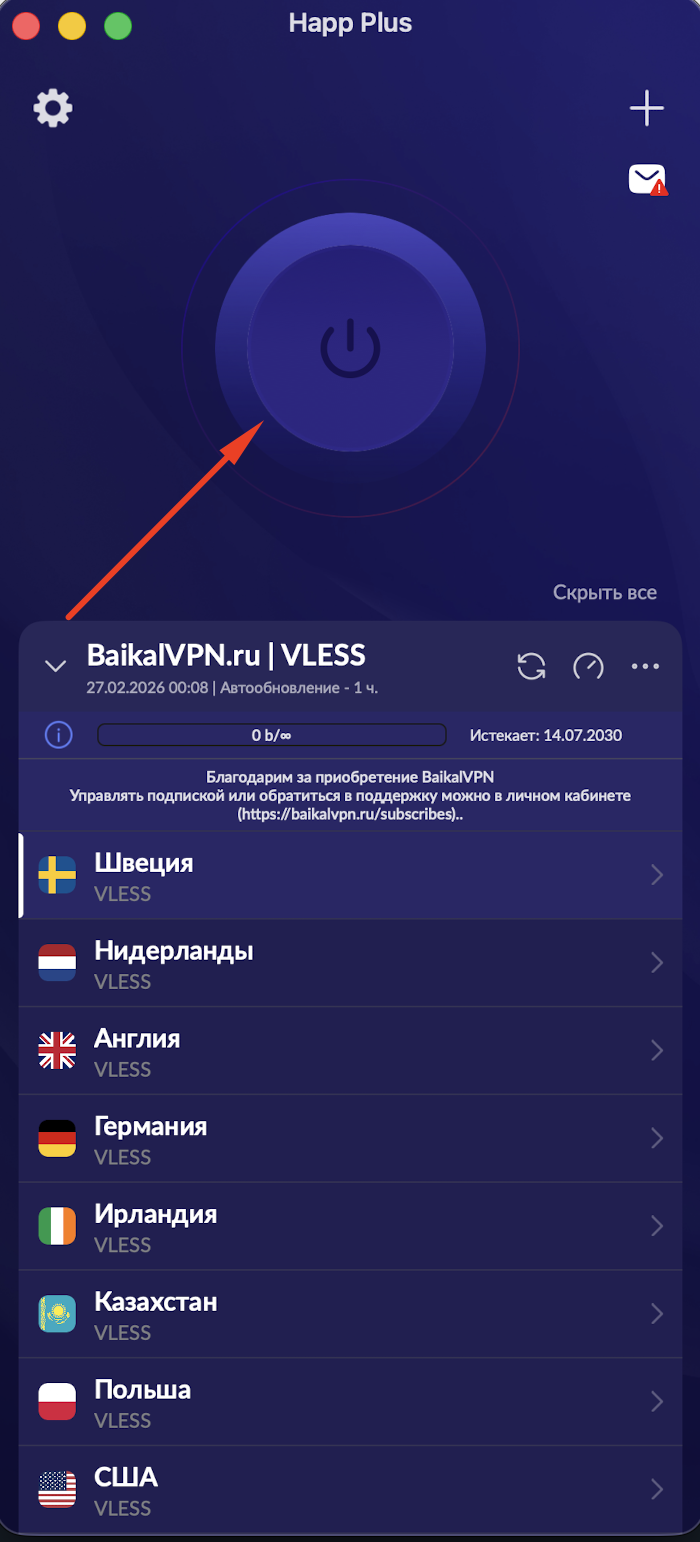
Tap the connect button. Tap it again whenever you want to disconnect.
AlfaVPN is ready. Return to the website or app you want to use.